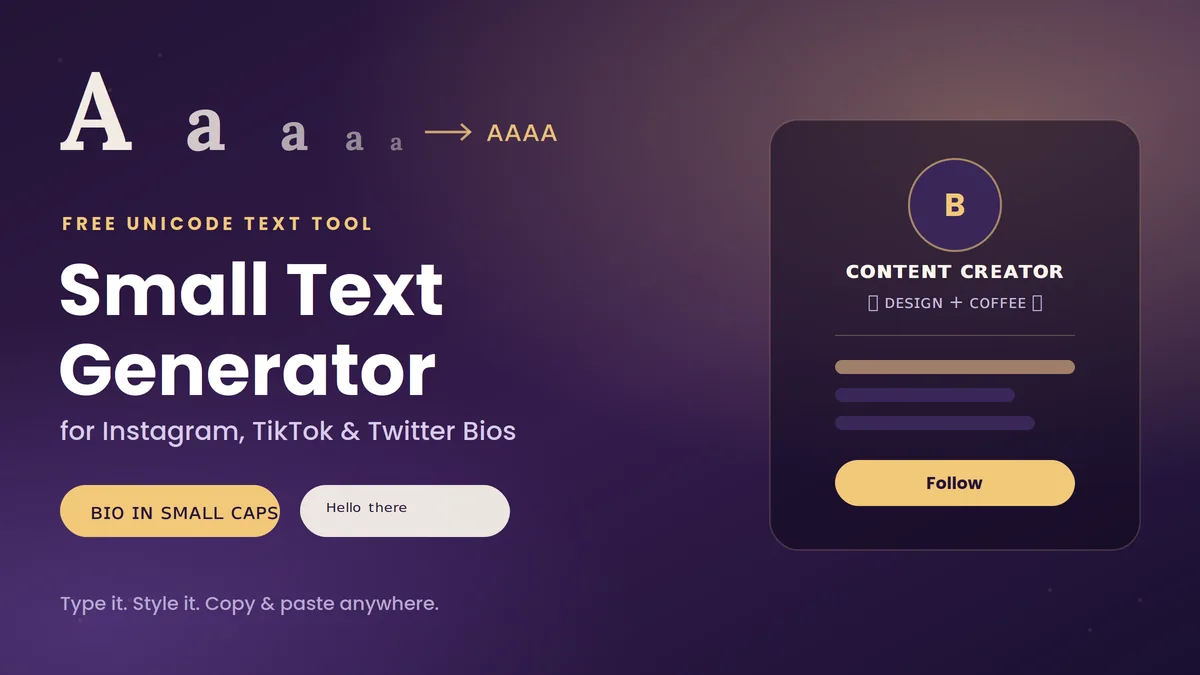
Scroll through Instagram for thirty seconds and you’ll notice it: the same fonts, the same layouts, the same bios that all sort of blur together. Then one profile stops you — ᴄᴏɴᴛᴇɴᴛ ᴄʀᴇᴀᴛᴏʀ ✨ ᴅᴇsɪɢɴ + ᴄᴏғғᴇᴇ — and suddenly you’re paying attention to a stranger’s bio for reasons you can’t quite explain.
That’s the small text effect at work, and it’s a lot easier to pull off than it looks. A small text generator for bio use takes your regular typing and swaps it for tiny Unicode characters — no design skills, no apps to download, no HTML tricks that Instagram will strip out anyway. You type, you pick a style, you paste. Done.
This guide walks through exactly what these tools do, why they actually work on every major platform, and how to use tiny text without making your profile look cluttered or, worse, unreadable to someone using a screen reader.
The best way to get stylish fonts is with a fancy text generator tool.
What Is a Small Text Generator, Exactly?
A small text generator is a free online tool that rewrites your text using special Unicode characters that look smaller or stylized than standard letters — think ᴀ instead of A, or ᵃ instead of a. It’s not actually shrinking a font size the way you would in a word processor. It’s substituting each letter for a different character that already exists in the Unicode standard, which happens to contain over 120,000 symbols spanning nearly every writing system and typographic style imaginable.
Because the output is still plain text — not an image, not custom CSS — it pastes cleanly into places that would otherwise never let you touch font size or styling, like an Instagram bio, a Discord status, or a gamertag.
Quick answer: A small text generator converts normal letters into visually smaller Unicode look-alikes so you can paste stylized text anywhere plain text is accepted — no coding or downloads required.
How Do These Tools Actually Work?
Under the hood, it’s character mapping, not font shrinking. When you type “Adventure,” the tool checks each letter against a lookup table and swaps it for its small-caps, superscript, or subscript counterpart — so you instantly get something like ᴀᴅᴠᴇɴᴛᴜʀᴇ.
A few things worth knowing before you get too creative with styles:
- Small caps have near-complete letter coverage, so words come out clean and consistent.
- Superscript is spottier — Unicode simply never created raised versions of certain letters (there’s no true superscript “q” or “z,” for example), so generators quietly substitute the closest-looking symbol.
- Subscript is the most limited of the three, originally built for math and chemistry notation rather than everyday alphabets, so full-sentence subscript text can look inconsistent.
Since the final result is just text — technically, a string of specific Unicode code points — platforms treat it exactly like any other text. It’s copyable, pasteable, and (with some caveats we’ll get to) searchable.
Why Bother Styling Your Bio at All?
It comes down to attention. People skim. A bio in the exact same system font as everyone else’s is easy to scroll past; a line of small caps or superscript breaks the visual pattern just enough to make someone actually read it.
Here’s where it tends to pay off:
- Instagram and TikTok bios, where you’ve got one or two lines to make an impression
- Personal branding, since a distinct typographic style — even something as small as tiny caps around your title — reads as intentional and polished
- Gaming handles, where a name like sʜᴀᴅᴏᴡ ʜᴜɴᴛᴇʀ stands out in a lobby full of plain usernames
- Small business or creator profiles, where a styled tagline can function like a mini logo
None of this replaces good bio writing — a clear value proposition still matters more than the font. But used well, small text is a low-effort way to make that writing land harder.
How to Use a Small Text Generator (Step-by-Step)
- Open a generator. Any reputable tiny text tool works in-browser — no account or download needed.
- Type or paste your text. Your name, tagline, or job title works best; the tool converts it live as you type.
- Browse the style options. Most tools show several variants side by side — small caps, superscript, subscript, sometimes bubble or cursive styles too.
- Copy your favorite. Click the copy button or manually highlight and copy the output.
- Paste it into your bio, caption, or status field. Since it’s plain Unicode text, it drops in exactly as shown — no formatting lost in translation.
That’s the entire workflow. No graphic design software, no image exports, no waiting for anything to render.
Popular Small Text Styles (With Examples)
| Style | Example | Best For |
|---|---|---|
| Small caps | ʜᴇʟʟᴏ | Names, taglines, general bio text — best letter coverage |
| Superscript | ᴴᵉˡˡᵒ | Short accents, footnote-style emphasis |
| Subscript | ₕₑₗₗₒ | Sparingly — math/chemistry look, limited character support |
| Upside-down | ǝlloɥ | Memes, jokes, novelty captions |
| Bubble / cursive | 𝓒𝓸𝓹𝔂 𝓅𝒶𝓈𝓉𝑒 | Decorative accents, not full sentences |
If you only try one style, start with small caps — it’s the most legible, the most widely supported across devices, and the one that looks least “broken” when a rare character doesn’t have a perfect tiny match.
Where You Can Actually Use Small Text
Small text isn’t an Instagram-only trick. It works anywhere Unicode is accepted, which is nearly everywhere:
- Instagram, TikTok, Twitter/X — bios, display names, captions, comments
- Discord and Reddit — status messages, “About Me” sections
- Gaming platforms — Steam, Xbox, PlayStation, and mobile game usernames
- Websites and blogs — sparingly, in headers or button microcopy (avoid it in body copy meant to be indexed heavily)
- Design projects — flyers, social graphics, and digital mockups where a little typographic contrast helps
The common thread: short bursts of text, not paragraphs.
Best Practices for Using Small Text Well
- Contrast, don’t blanket. Style a name, title, or one short phrase — keep the rest in regular text so the eye has somewhere to land.
- Pair it with emojis sparingly. Something like ✨ ᴄᴏɴᴛᴇɴᴛ ᴄʀᴇᴀᴛᴏʀ ✨ reads as intentional; five different symbol styles crammed together reads as noise.
- Preview before you publish. Check how it renders on both iOS and Android — most common styles display fine, but it’s worth a quick look before you save changes.
- Save it for accents, not your whole identity. A styled name or one call-to-action line goes further than a fully tiny-texted bio that’s exhausting to read.
Common Mistakes to Avoid
- Styling your actual @username. Instagram only accepts standard letters, numbers, periods, and underscores in handles — Unicode won’t even save there, so don’t waste time trying.
- Styling hashtags. A stylized hashtag won’t get indexed the same way a plain one does, so it effectively disappears from hashtag search — keep hashtags in normal text.
- Going all-in on your entire bio. Beyond looking cluttered, screen readers announce each unusual Unicode character individually rather than reading the word naturally, which makes a fully-styled bio genuinely hard to parse for users relying on assistive technology.
- Using shady, ad-heavy generator sites. Stick to tools that just show text output — copying styled text as a screenshot instead of live text defeats the purpose, since it won’t be selectable or searchable.
Small Text vs. Other Fancy Fonts: What’s the Difference?
Both rely on Unicode, but they’re not the same thing. Small text generators specifically target compact styles — small caps, superscript, subscript — designed to look like a shrunk version of the alphabet. Fancy font generators cast a wider net, pulling from decorative Unicode blocks like fraktur, double-struck, or circled (“bubble”) letters. If your goal is subtlety, small text is the better fit; if you want something bolder and more decorative, a general fancy font tool gives you more range.
Final Thoughts: Small Text Generator for Bio
A small text generator is one of those rare tools that’s genuinely as simple as it sounds — type your text, pick a style, paste it into your bio, and you’re done. No downloads, no learning curve, and it works across virtually every platform that takes plain text.
Use it where it counts: a name, a title, a short tagline that deserves a second look. Skip it where it doesn’t: hashtags, usernames, and anything longer than a line or two. Get that balance right, and a tiny bit of Unicode goes a long way toward making your profile feel like yours.
READ MORE: Fancy Text Generator for Instagram Bio: The Complete 2026 Guide
Frequently Asked Questions
What is a small text generator and how do I use it?
It’s a free online tool that converts normal text into tiny Unicode styles like small caps or superscript. Type your text, pick a style from the options shown, and copy the result into your bio or caption.
Can I use small text in my Instagram bio?
Yes — Instagram’s bio and display name fields fully support Unicode characters. Just don’t try to use it in your actual @username field, since Instagram restricts that to standard characters only.
Will small text display correctly on every device?
On modern iOS and Android devices, common styles like small caps and standard superscript render correctly. Rare or obscure Unicode symbols can occasionally show up as blank boxes on older hardware, so sticking to well-supported styles is the safer bet.
Does small text hurt SEO or accessibility?
Using a short line of small text in a bio won’t hurt SEO. That said, avoid overusing it: styled hashtags don’t get indexed in hashtag search, search engines may treat unusual Unicode characters differently than standard letters, and screen readers can announce each stylized character individually — which makes long stretches of tiny text a real accessibility problem.
What’s the difference between small text and fancy fonts?
Small text generators focus on compact styles like small caps and super/subscript. Fancy font generators pull from a broader set of decorative Unicode styles, like bubble letters or fraktur script, which are bolder and less subtle.
Are small text generators free to use?
Yes, the vast majority of small text generators are free, browser-based, and require no signup — you type, copy, and paste.
Can platforms detect or block styled Unicode text?
No. Unicode is an international text standard, and using it for stylistic purposes doesn’t violate platform policies. The only practical limitation is that some fields, like usernames, restrict input to standard ASCII characters regardless of style.