Your username is the first thing anyone sees before they see you play. Before your K/D ratio, before your rank, before a single word in chat — it’s the name. And in a lobby full of “xX_Sniper_Xx” clones, a plain username just doesn’t do the work it could.
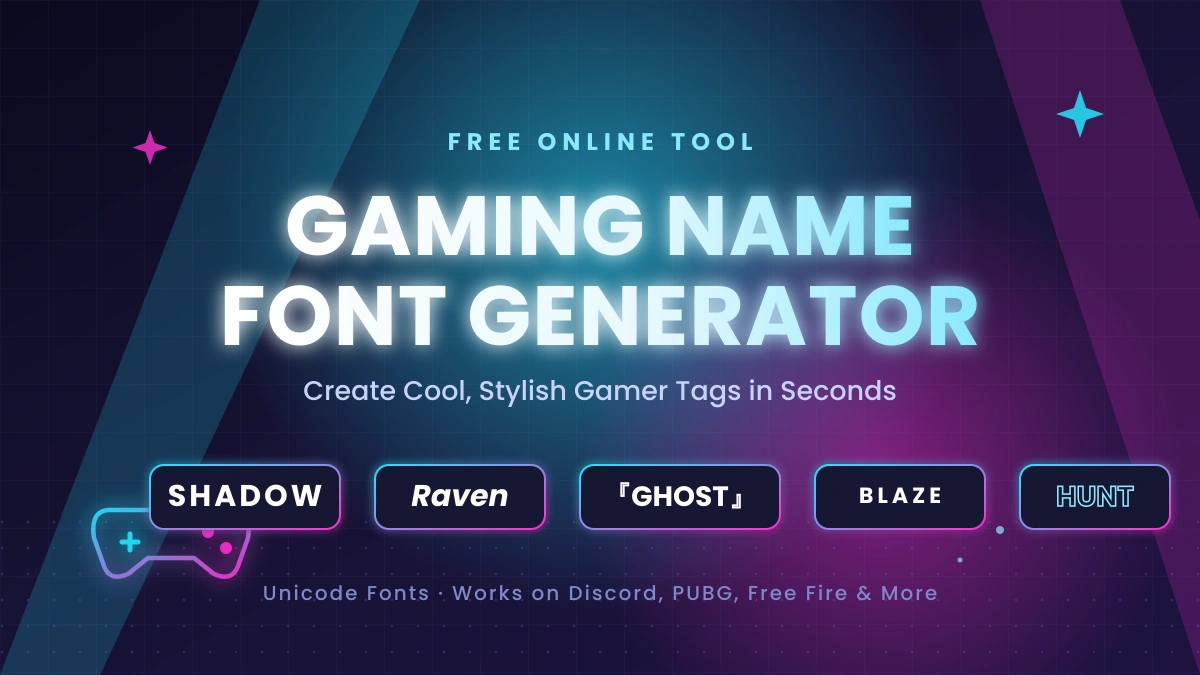
That’s where a cool gaming name font generator comes in. These free tools swap your ordinary letters for stylish Unicode characters — think 𝕊𝕙𝕒𝕕𝕠𝕨, ʀᴀᴠᴇɴ, or 『GHOST』 — so your tag looks custom-designed without you touching a single graphic design tool. No downloads, no sign-ups, just type, pick a style, and paste.
This guide walks through how these generators actually work under the hood, which font styles hold up best in real games, and — just as important — which ones tend to break, get filtered, or show up as empty boxes when you try to use them in PUBG, Free Fire, Discord, or COD Mobile.
To make your username stand out, try this generator.
Why Bother With a Fancy Font in the First Place?
A gamer tag isn’t just a label — it’s low-key branding. If you stream, run a clan, or just want to be recognized across Discord, YouTube, and your favorite battle royale, a consistent, distinctive font style does more for recall than people give it credit for. Viewers remember 𝔾𝕙𝕠𝕤𝕥 in a way they don’t remember “Ghost47291.”
There’s also a simpler reason: it’s fun. A bold Gothic font can make your tag feel intimidating in a competitive lobby. A bubble or cursive style leans playful and approachable. A bracket-framed name like 『HUNTER』 just looks deliberate — like you put thought into your identity instead of accepting whatever the game auto-generated.
How Do These Font Generators Actually Work?
Here’s the part most articles gloss over: these aren’t real fonts. There’s no font file being installed anywhere. Instead, the generator is mapping your regular letters to different Unicode characters — special symbols baked into the universal text-encoding standard that every device already understands.
That’s the whole trick, and it’s also why the styled name works everywhere. Because it’s just text (not an image or a custom font file), you can copy 𝕊𝕙𝕒𝕕𝕠𝕨 from a generator and paste it directly into Instagram, Discord, TikTok, Roblox, or a game’s nickname field, and it’ll render correctly — assuming that platform supports the specific Unicode block being used.
That last part matters. Not every app renders every Unicode range the same way. Older phones, some in-game chat systems, and stricter platforms (looking at you, COD Mobile) will occasionally show a blank box or strip the character out entirely instead of displaying it. More on how to avoid that below.
How to Use a Gaming Name Font Generator (3 Steps)
You genuinely don’t need a tutorial for this, but here’s the process broken down anyway:
- Type your base name. Start with the plain version — “Shadow,” “Raven,” whatever you’d normally use.
- Scroll the style list. A decent generator will instantly spit out 30–50+ variations, grouped loosely by category: bold, small caps, gothic, bubble, glitch, and so on.
- Copy your favorite and paste it. Click the style, then paste it straight into the game’s username field, your Discord profile, or your bio.
That’s it. No account, no install. If a style gets rejected by a game, just go back and try the next one — most generators let you cycle through dozens of options in under a minute.
Font Styles Compared: Which One Should You Actually Use?
Not every style is created equal, especially once you factor in where you’re planning to use it. Here’s a practical breakdown:
| Style | Example | Best For | Readability | Risk of Getting Filtered |
|---|---|---|---|---|
| Bold / Small Caps | SHADOW, ʀᴀᴠᴇɴ | Competitive lobbies, killfeeds | High | Low |
| Gothic / Old English | 𝔖𝔥𝔞𝔡𝔬𝔴 | Short tags, fantasy/horror themes | Medium | Low–Medium |
| Bubble / Cute / Aesthetic | ✩Shadow✩ | Social bios, casual games | Medium–High | Low |
| Bracketed / Square | 『SHADOW』, ⒮ⒽⒶⒹⓄⓌ | Clan tags, framing a name | High | Low |
| Glitch / Zalgo | S̷h̷a̷d̷o̷w̷ | Horror or cyberpunk aesthetics | Low | High |
Bottom line: if you’re playing something fast-paced and competitive, stick with bold or bracketed styles — they stay legible in a killfeed at a glance. Save the glitch and Zalgo fonts for social bios, because they’re the most likely to get mangled or rejected inside actual games.
Will My Fancy Name Actually Work in PUBG, Free Fire, or Discord?
This is the question that matters most, and the honest answer is: it depends on the platform, and it’s worth testing before you commit.
| Platform | Unicode Support | Notes |
|---|---|---|
| PUBG Mobile / BGMI | Good, with limits | Some exotic symbols get rejected; simpler styles pass more reliably |
| Free Fire | Generally strong | Tends to accept a wider range of decorative symbols |
| COD Mobile | Restrictive | Requires a rename card; Activision strips many unsupported symbols |
| Discord | Full Unicode | No native custom fonts — copy-paste is the only way to style a name |
| Instagram / TikTok | Full Unicode | Bios and display names render almost any style without issue |
| Fortnite / Roblox | Good | Broad support, though very long names may still get cut off |
A few practical tips that’ll save you the trial-and-error:
- Test in a notepad first. Paste your styled name somewhere neutral before trying it in-game. If it shows blank boxes there, it’ll likely fail in-game too.
- Remove symbols one at a time if rejected. Start by stripping outer decorative characters (like ꧁ ꧂) before touching the core letters.
- Keep it short. Games enforce character limits, and clan tags eat into that space fast. A clean 『NV』RAVEN beats an overloaded ꧁༒『NV』༒꧂RAVEN both for legibility and for actually fitting.
- Save your plain name somewhere. If a fancy name ever gets rejected mid-rename, you’ll want your original on hand to fall back to instantly.
Real Examples: Same Name, Different Fonts
Seeing it side by side usually clarifies more than any explanation. Here’s how a few common gamer names transform:
- Shadow → 𝕊𝕙𝕒𝕕𝕠𝕨 · 『SHADOW』 · ⒮ⒽⒶⒹⓄⓌ · 𝖘𝖍𝖆𝖉𝖔𝖜
- Raven → ʀᴀᴠᴇɴ · 『RAVEN』 · 𝗥𝗔𝗩𝗘𝗡 · Raven
- Ghost → ɢʜᴏꜱᴛ · 𝔾𝕙𝕠𝕤𝕥 · (✯Ghost✯) · 𝗀𝗁𝗈𝗌𝗍
- Blaze → 『BLAZE』 · ʙʟᴀᴢᴇ · 亗BLAZE亗
If one variant gets rejected — say, 亗BLAZE亗 doesn’t fly in Free Fire — the bracketed or small-caps fallback (『BLAZE』 or ʙʟᴀᴢᴇ) almost always works instead.
5 Tips for Picking a Font That Actually Sticks
- Prioritize readability over decoration. If your name isn’t recognizable at a glance, the style has failed its one job.
- Don’t overload it with symbols. One or two decorative elements read as intentional; five or six read as spam.
- Aim for distinctive, not trendy. Heavy glitch-text had its moment years ago — a clean, well-chosen style ages better than chasing whatever’s popular this month.
- Check it on both mobile and desktop. A font that looks sharp on a monitor can shrink into an unreadable smudge on a phone screen.
- Keep a fallback name saved. Some games occasionally reset display names during updates — you don’t want to be caught without your original.
Final Thoughts
A gaming name font generator is one of the lowest-effort, highest-payoff upgrades you can make to your online identity. It costs nothing, takes seconds, and instantly makes your tag more memorable — whether that’s for intimidation in a ranked lobby or just building a recognizable brand across Discord, YouTube, and your favorite battle royale.
Start simple: pick a clean bold or bracketed style, test it in your game of choice, and only get more elaborate once you know it renders properly. Your gamer tag is worth more than the default the game handed you — go make it yours.
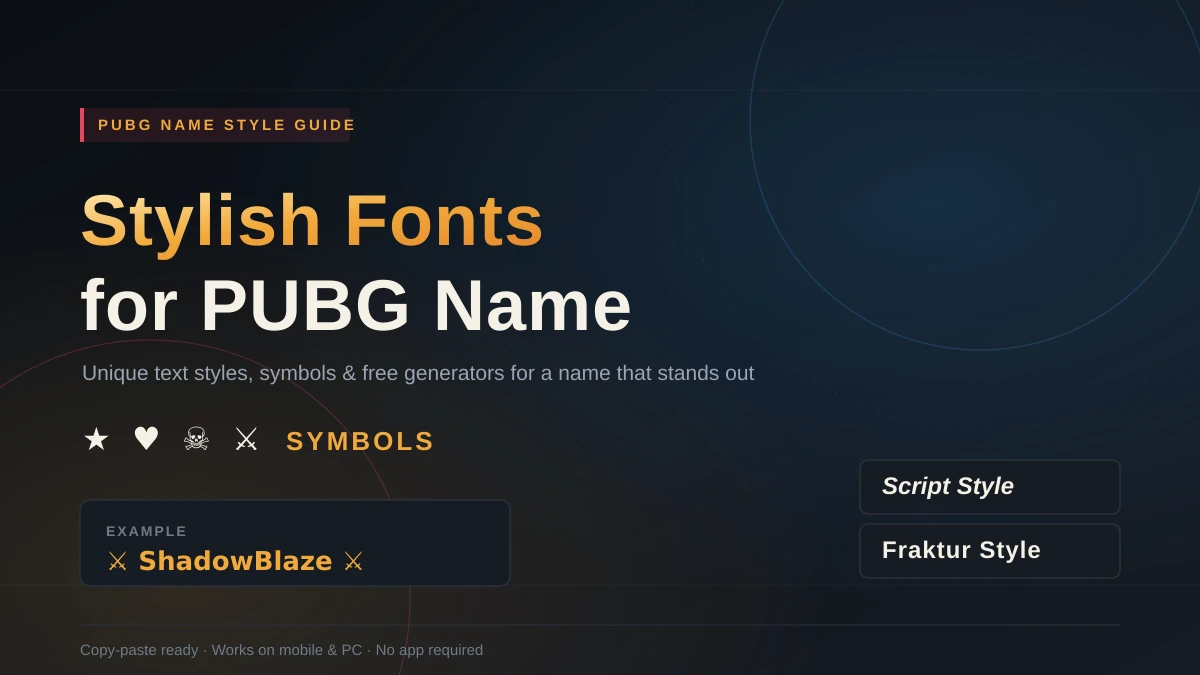
READ MORE: Stylish Fonts for PUBG Name: How to Create a Name That Actually Stands Out
FAQs
What is a cool gaming name font generator?
It’s a free online tool that converts a plain username into a stylized version using Unicode characters — not real installable fonts. You type your name, browse dozens of styles, and copy-paste the one you like into any game or app.
Is a gaming name font generator free to use?
Yes. Nearly all of them are free, require no sign-up, and work directly in your browser. Since they’re generating Unicode text rather than actual font files, there’s nothing to download or install.
Which games allow fancy fonts in usernames?
PUBG Mobile, BGMI, Free Fire, Fortnite, and Roblox generally support a wide range of Unicode characters. COD Mobile is stricter and usually requires a rename card, filtering out many decorative symbols.
Why do some Unicode symbols not show up in games?
Not every platform renders every Unicode block. Older devices, in-game chat filters, and stricter naming systems (like Activision’s) may display unsupported symbols as blank boxes or strip them out entirely.
Can I use a fancy font generator on mobile?
Yes. Since the output is just text, not a font file, it displays identically on iOS, Android, and desktop. There’s no compatibility gap between mobile and PC for copy-pasted Unicode names.
Are Unicode gaming fonts actual installable fonts?
No. They’re specially mapped Unicode characters that visually mimic different font styles. You’re copying and pasting text, not installing anything — which is exactly why they work across so many platforms.
Can using a stylish name get my account flagged or banned?
Generally no, as long as the name avoids banned words and excessive symbol spam. These generators use standard, publicly supported Unicode characters — they’re not exploits or hacks, just alternative text.
What’s the best font style for competitive games like PUBG or COD Mobile?
Bold, small caps, or a single bracket-framed style. They stay legible in fast-moving killfeeds and are the least likely to get filtered or rejected during a rename.