Scroll through anyone’s WhatsApp contact list and most statuses look the same — plain text, maybe an emoji tacked on the end. Then you hit one that’s written in flowing script or little circled letters, and it stops you mid-scroll. That’s the entire appeal of fancy letters for WhatsApp status: they cost nothing, take about ten seconds to set up, and instantly make your status look like it belongs to someone who actually put thought into it.
You don’t need to install anything sketchy or dig through settings to get there. This guide walks through exactly how the fonts work, how to generate and paste them in under a minute, which styles actually read well on a phone screen, and where people tend to go wrong.
If you want a stylish name for Instagram or Facebook, visit this page.
Why Bother With Fancy Fonts on WhatsApp?
A few real reasons people switch it up:
- You stand out in a crowded contact list. Stylized text breaks the visual pattern of a status feed full of default fonts.
- It signals personality or brand. Small business owners use it to make a shop name or promo line more memorable; regular users use it to make a quote or mood feel more “them.”
- It boosts recall. A birthday message or announcement in cursive or bold Unicode tends to get noticed — and remembered — more than the same line in plain text.
- Everyone sees it the same way. Because these aren’t custom fonts loaded onto your device, they render identically for every contact who opens your status, regardless of their phone brand.
How Fancy WhatsApp Fonts Actually Work
Here’s the part most guides skip: WhatsApp doesn’t support custom fonts. There’s no font-picker hidden in settings. What’s actually happening is simpler — and cleverer.
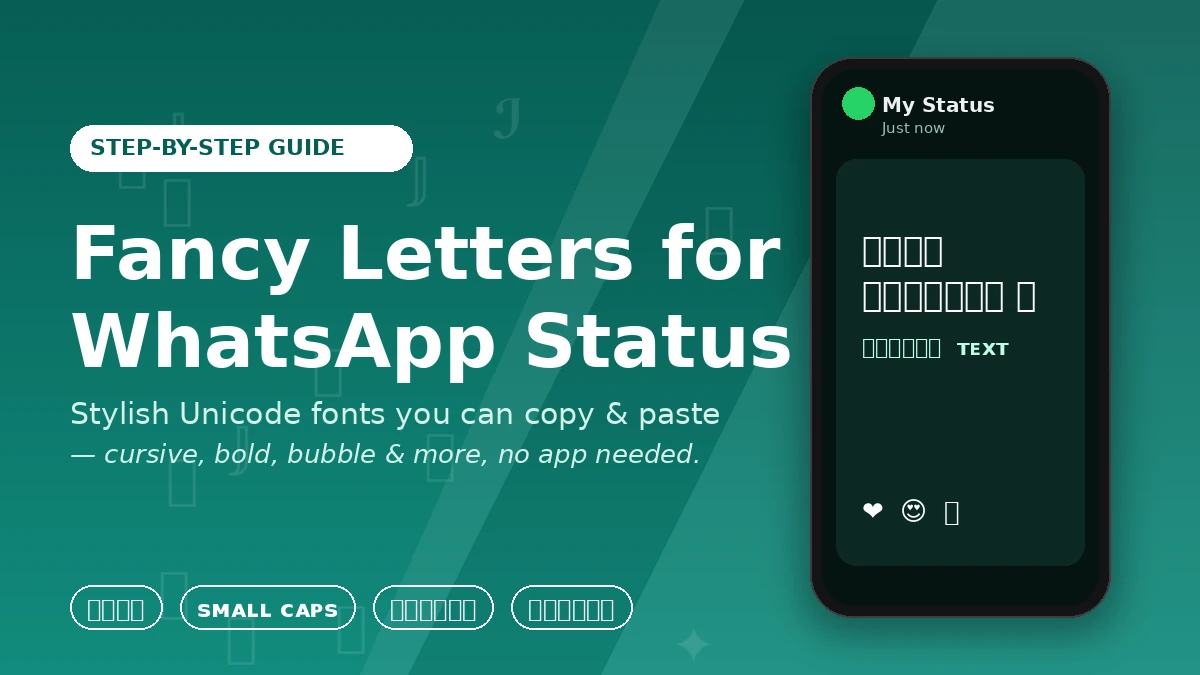
Fancy text generators swap your regular letters for lookalike Unicode characters. Unicode is the character-encoding standard every modern device uses to display text, and it includes thousands of symbols beyond the standard A–Z alphabet — mathematical alphanumeric symbols, circled letters, small-caps letters, and more. A “cursive” generator isn’t applying a font; it’s replacing each letter you type with its Unicode script equivalent.
Because these are just characters, not files or formatting code:
- No app installation is required
- They work on Android, iPhone, WhatsApp Web, and WhatsApp Desktop
- They display the same way for every recipient
- They’re just text, so there’s nothing for WhatsApp to flag or block
That last point is worth sitting with if you’ve ever wondered whether this is “allowed.” It is. You’re not exploiting a loophole — you’re just typing characters that happen to look stylish.
How to Create a Fancy WhatsApp Status (Step-by-Step)
Method 1: Online Fancy Text Generator (Fastest, No App Needed)
- Search “fancy text generator” or “WhatsApp font generator” and open a reputable one. Most show you a live preview of dozens of styles as you type.
- Type your message into the input box — a short phrase works best (more on why below).
- Scan the generated styles and tap the one you like. Nearly every generator has a one-tap “Copy” button next to each style.
- Open WhatsApp, tap your status, and paste. The styled text drops in exactly as previewed.
The whole process takes less time than typing this sentence.
Method 2: Fancy Keyboard App (For Frequent Use)
If you find yourself doing this often, a stylized keyboard app (search “fonts keyboard” on your app store) lets you switch fonts on the fly while typing, inside WhatsApp or any other app.
A quick word of caution: keyboard apps request broad permissions since they see everything you type. Stick to well-reviewed, established apps, and skip anything asking for permissions that seem unrelated to typing. For most people, the copy-paste generator method is the safer default.
Popular Fancy Text Styles (And When to Use Each)
Not every style belongs in a status update. Here’s a practical breakdown:
| Style | Example | Best For |
|---|---|---|
| Bold | 𝗕𝗼𝗹𝗱 𝗧𝗲𝘅𝘁 | Announcements, sale alerts, emphasis |
| Italic/Script | 𝒞𝓊𝓇𝓈𝒾𝓋ℯ | Quotes, romantic or reflective statuses |
| Bubble/Circled | Ⓑⓤⓑⓑⓛⓔ | Playful, casual, short phrases |
| Small Caps | ꜱᴍᴀʟʟ ᴄᴀᴘꜱ | Modern, minimalist aesthetic |
| Gothic/Fraktur | 𝔊𝔬𝔱𝔥𝔦𝔠 | Names, single-word titles |
| Mirrored/Upside-down | ʇxǝʇ | Novelty, jokes — use sparingly |
| Underline/Strikethrough | U̲n̲d̲e̲r̲l̲i̲n̲e̲ | Highlighting a single word |
The rule of thumb: the more decorative a style gets, the shorter your text should be. Cursive and small-caps stay readable at sentence length. Bubble letters and gothic fonts start to strain the eyes past a few words.
5 Tips for a Fancy Status That Actually Looks Good
- Keep it short. One line, one strong idea. A fancy font on a long paragraph turns into a wall of visual noise instead of a statement.
- Pick one style and stick with it. Mixing three fonts in one status reads as cluttered, not creative. If you want contrast, pair one styled word with otherwise plain text.
- Let emoji do supporting work, not the fancy font. ✨ paired with a clean script style adds warmth without competing for attention.
- Preview before you post. Paste your text into the status field and actually look at it before hitting send — some symbol combinations render oddly on certain screens.
- Match the font to the message. Cursive suits something personal or emotional. Bold suits an announcement. Playful bubble text suits something lighthearted. Mismatched tone reads as noise even if the font itself looks nice.
Compatibility and Troubleshooting
Fancy Unicode text renders correctly on virtually all modern devices running current versions of Android, iOS, WhatsApp Web, or WhatsApp Desktop. Compatibility issues are rare today, but they do still happen:
- Older or budget devices with outdated software may not render rarer Unicode blocks, showing empty boxes or question marks instead.
- Heavily decorated “glitch” or Zalgo-style text (the kind stacked with combining accent marks) is the most likely to break — avoid it for anything you actually want read.
- Fix: stick to styles built from common Unicode blocks — cursive, small-caps, and bold hold up best across devices.
One more practical detail: WhatsApp status has a 700-character limit, fancy font or not, so there’s a built-in ceiling on how long your styled message can run.
The Takeaway: Fancy Letters for WhatsApp Status
Fancy letters won’t reinvent your WhatsApp status, but they’re a genuinely free, low-effort way to make it more noticeable — and there’s a real technical reason it works everywhere: you’re pasting Unicode characters, not custom fonts, so there’s nothing to install and nothing that breaks compatibility. Pick a generator, choose a clean style like cursive or bold, keep your message short, and preview before you post. That’s the entire playbook.
READ MORE: Old English Font Generator Online: Turn Any Text Into Gothic Blackletter Instantly
Frequently Asked Questions
How do I get fancy letters on WhatsApp?
Use a free online Unicode text generator or a fonts keyboard app. Type your text, choose a style, copy it, and paste it directly into your WhatsApp status, chat, or profile name — no extra app is required for the copy-paste method.
Are fancy fonts safe to use on WhatsApp?
Yes. They’re standard Unicode characters, not files, code, or app add-ons, so they carry no security risk and don’t violate WhatsApp’s terms of service. Just be selective about which keyboard apps you install if you go that route.
Will every contact see my fancy text correctly?
Almost always, on modern Android, iPhone, and WhatsApp Web/Desktop. Very old or low-end devices may occasionally show blank boxes for obscure symbols — using mainstream styles like cursive or bold avoids this almost entirely.
Can I use fancy fonts in chats and group names too, not just status?
Yes. The same copied Unicode text works in one-on-one messages, group names, group descriptions, and your profile bio — anywhere WhatsApp accepts text input.
What’s the best font style for a WhatsApp status?
Cursive/script, bold, and small-caps are the most reliable choices — they’re distinctive without sacrificing readability. Save heavier decorative styles for single words rather than full sentences.
Do I need an internet connection to use a fancy text generator?
Yes, to access the generator website or app. Once you’ve copied the styled text, you can paste and post it even if you go offline briefly afterward — the text itself doesn’t need a live connection to display.