If you’ve ever seen a tattoo, a metal band logo, or a wedding invitation with that dramatic, angular medieval script and wondered how it was made, the answer is almost always the same: an Old English font generator online. No calligraphy pen, no design software license, no font installation — just a text box, a click, and your words come out looking like they belong on a 15th-century manuscript.
This guide covers what these tools actually do under the hood, where Old English text shows up in the real world, how to use a generator without running into the dreaded empty-box glitch, and which tools are worth your time in 2026.
Quick answer: An Old English font generator is a free web tool that swaps your regular letters for Unicode characters from the Mathematical Fraktur block, giving you Blackletter-style text you can copy and paste anywhere — no font download required.
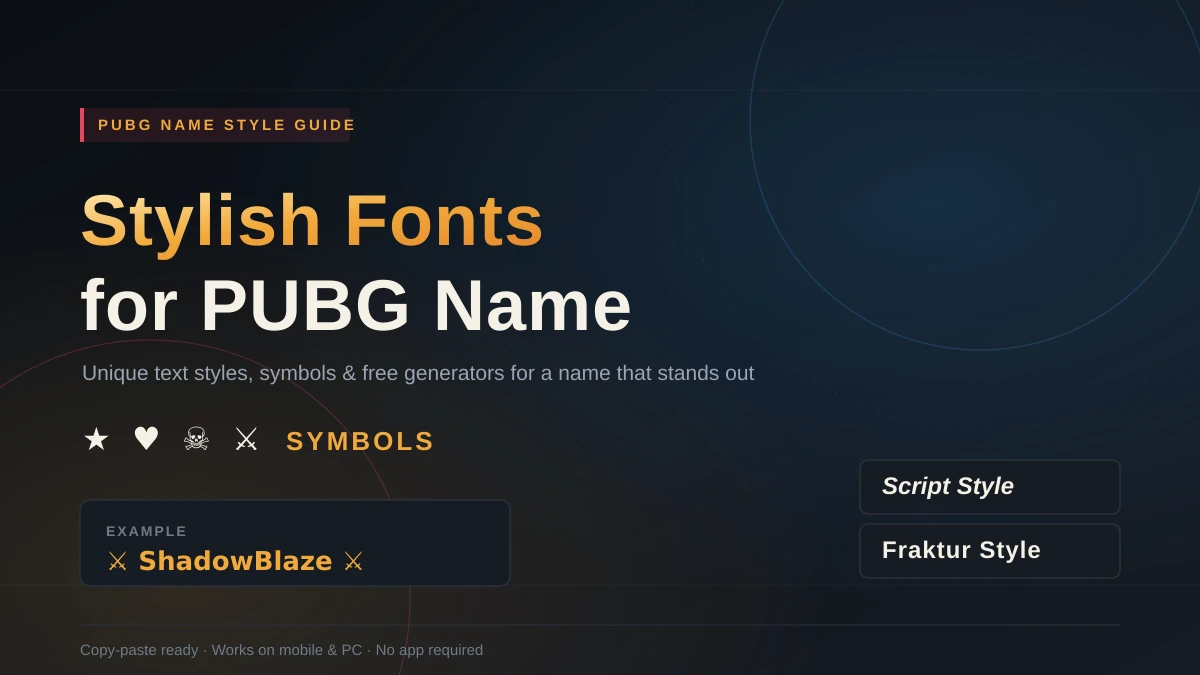
Here’s the easiest way to create unique fonts like these.
What Is an Old English Font, Really?
“Old English font” is a bit of a misnomer — it has nothing to do with the Old English language of Beowulf. It refers to Blackletter (also called Gothic script or Fraktur), the dense, angular handwriting style that dominated European book production from roughly the 12th through the 17th century. Johannes Gutenberg’s original printing press even used a Blackletter typeface for the Gutenberg Bible.
The style is defined by sharp, vertical strokes, dramatic thick-to-thin contrast, and ornate serifs that make each letter look almost architectural. It’s striking in small doses — a headline, a logo, a name — and genuinely hard to read in long paragraphs, which is exactly why you still see it on newspaper mastheads (The New York Times logo is a well-known example) but rarely in body copy.
Blackletter, Gothic, and Old English — what’s the difference? In casual use, none. Technically, Blackletter is the umbrella term for the whole family of medieval scripts, Gothic is the common English name for that same family, and Old English usually points to Textura Quadrata, a specific Blackletter variant used in England. Most generators — and most people searching for them — treat all three as interchangeable.
How Does an Old English Font Generator Actually Work?
Here’s the part most articles gloss over: these tools don’t create a new font on your device at all. They’re doing character substitution.
- You type your text into an input field.
- The script maps each letter to a visually similar character from Unicode’s Mathematical Alphanumeric Symbols block (specifically the Fraktur range, U+1D504–U+1D537).
- The output displays instantly — a string of Unicode symbols that look like Old English lettering but are technically just special characters, the same category as emoji or accented letters.
Because the result is plain Unicode text rather than an embedded font, it travels well. Paste “Hello” through a generator and you’ll get something like 𝔥𝔢𝔩𝔩𝔬 — and that string will render identically whether you drop it into an Instagram bio, a Discord message, or a Google Doc, as long as the device supports the character set.
That “as long as” matters, so let’s talk about it.
Compatibility: Why You Sometimes See Empty Boxes
This is the single most common frustration people run into, so it’s worth explaining clearly.
Fraktur Unicode characters have been natively supported on most mainstream platforms for years now — iOS, Android, Windows, and macOS all render them correctly on any reasonably current device. When something goes wrong, it’s usually one of these:
- An outdated operating system or browser that hasn’t updated its font-rendering library.
- A platform that strips or filters special Unicode ranges (some older forum software and a handful of legacy web apps still do this).
- Copy-paste into a plain-text-only field, like some email clients’ subject lines, which can occasionally mangle non-standard characters.
If you paste your generated text and see a row of empty squares (□□□), that’s the system’s fallback symbol for “I don’t recognize this character” — it’s not a bug in the generator itself. Your fix: switch to the image-download option most generators offer, or test the text on a different device before you commit to using it somewhere important, like a printed invitation.
One real limitation worth knowing upfront: these generators only work with standard Latin letters (A–Z, a–z) and, on most tools, basic numbers. Accented characters, non-English alphabets, and most punctuation typically pass through unchanged rather than getting converted.
Text vs. Image Output: Which Should You Use?
Most generators fall into one of two camps, and picking the right one saves you a lot of trial and error.
| Text/Unicode Generators | Image-Based Generators | |
|---|---|---|
| Output | Copyable Unicode string | Downloadable PNG or SVG |
| Best for | Bios, captions, usernames, chat | Logos, invitations, print, merch |
| Customization | Style choice only | Color, size, shadows, gradients, outlines |
| Compatibility | Depends on device support | Universal — it’s just an image |
| Speed | Instant | Instant, plus a download step |
If you just want your Twitter handle to look fancy for five minutes, a text generator is faster. If you’re designing a t-shirt, a certificate, or anything that needs to look identical everywhere it’s viewed, go with an image-based tool — it sidesteps the Unicode compatibility issue entirely.
Where Old English Text Actually Gets Used
This style isn’t just a novelty — it shows up constantly across a few specific niches:
- Tattoos. Old English is consistently ranked among the most-requested lettering styles for name and memorial tattoos, prized for how much weight and permanence it gives a short phrase.
- Sports and streetwear branding. Several MLB and NFL franchises — the Los Angeles Dodgers and Detroit Tigers among them — use Blackletter-style lettering on jerseys and merchandise for a heritage feel.
- Music and album art. Metal, hip-hop, and punk artists lean on Gothic lettering to signal edge and tradition simultaneously.
- Formal documents. Wedding invitations, diplomas, and certificates use it for the same reason it worked on medieval manuscripts: it reads as ceremonial and permanent.
- Social profiles. A stylized Old English username or bio line is a quick, low-effort way to stand out in a feed full of default system fonts.
How to Use an Old English Font Generator (Step-by-Step)
- Type your text. Short is better — names, titles, and one-line slogans convert far more cleanly than paragraphs.
- Preview the style options. Many tools show several Blackletter variants side by side (classic Fraktur, Textura, a lighter “Medieval” cut) so you can compare before committing.
- Customize if you’re using an image tool. Adjust color, size, or add a drop shadow — this step usually doesn’t exist on plain-text generators.
- Copy or download. Text tools give you a one-click copy button; image tools give you a PNG or SVG file.
- Test it where you’ll actually use it. Paste into the real destination — Instagram bio, invitation template, product mockup — before finalizing, since rendering can vary by app.
Best Practices for Using Old English Text Well
- Keep it short. One to five words is the sweet spot. Beyond that, legibility drops fast.
- Pair it with a clean secondary font. A Blackletter headline next to simple sans-serif body text (Helvetica, Inter, Arial) creates contrast that makes the ornate lettering pop instead of overwhelming the design.
- Match the mood to the medium. Old English fits history, fantasy, luxury branding, and music genres like metal or hip-hop. It tends to clash with minimalist, tech, or corporate-startup aesthetics.
- Always test before you print or tattoo it. Unicode substitution characters aren’t always identical to the “real” hand-drawn Blackletter a tattoo artist would use — bring a reference image, not just a copy-pasted string, if you’re getting inked.
- Choose SVG over PNG for anything that needs scaling — apparel printing, large signage, or stickers will look sharper from a vector file.
Is It Legal to Use Generated Old English Text Commercially?
Short answer: yes, for the text itself. The Unicode characters you copy are part of an open, public standard — nobody owns them, so there’s no licensing issue using them in a logo, product, or marketing material. The one thing to check is if you download an actual font file (a .ttf or .otf) from a site rather than copying Unicode text — those files can carry their own licensing terms, so read the fine print before using one in paid commercial work.
The Bottom Line
An Old English font generator is the fastest way to get authentic-looking Gothic lettering without any design skill — type your text, pick a style, and copy or download the result. Keep your text short, pair it with a clean secondary font, and test it on your target platform before you commit, and you’ll get a polished, medieval-inspired result every time.
READ MORE: Aesthetic Bio Fonts for Instagram: The Real Guide to Stylish Unicode Text
Frequently Asked Questions: Old English Font Generator Online
How do I copy Old English text into social media?
Generate the text, hit copy, and paste it directly into your Instagram bio, tweet, or Facebook post — most platforms support Unicode Fraktur characters natively. If a specific app shows blank boxes instead of letters, use the generator’s image-download option and upload that as a graphic instead.
Are Old English font generators free?
Yes. The overwhelming majority are free with no signup, since they’re just running a character-substitution script in your browser. Some sites offer paid upgrades like high-resolution image exports, but core text generation is free everywhere.
Can I use generated Old English text commercially, like on a logo?
Yes — the underlying Unicode characters are public and unrestricted. If you download a separate font file for further design work, check that specific font’s license before commercial use.
What’s the difference between Old English, Gothic, and Blackletter fonts?
They’re used interchangeably in everyday language. Blackletter is the technical umbrella term, Gothic is the common English name for it, and Old English usually refers to Textura Quadrata, a specific English variant. All describe the same family of angular medieval scripts.
Do Old English font generators work on mobile?
Yes — since the output is standard Unicode text, it works the same on mobile browsers as on desktop, as long as your phone’s OS is reasonably current (iOS 14+ and Android 10+ both support the Fraktur character range natively).