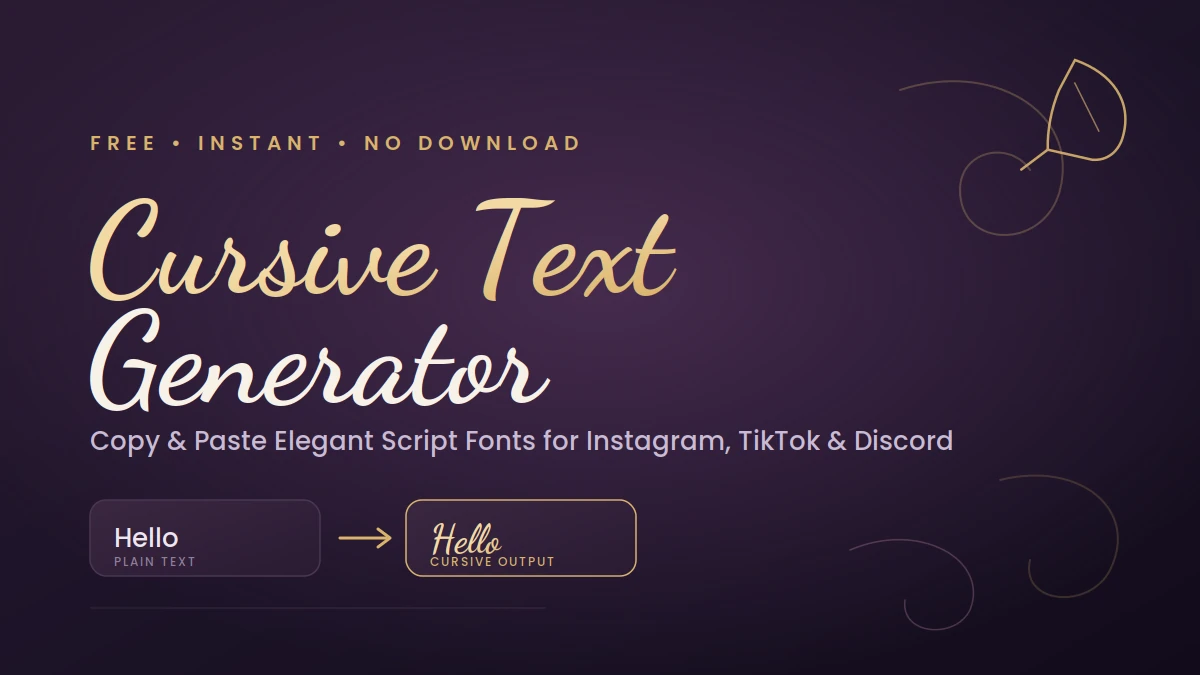
You’ve probably seen it: a TikTok bio or Instagram caption where the name looks like it was written with a calligraphy pen, not typed on a phone keyboard. That’s not a special font the person downloaded — it’s Unicode trickery, and with a free cursive text generator copy paste tool, you can do the same thing in about ten seconds.
This guide covers what cursive text actually is, why it works on every platform without installing anything, how to generate and paste it correctly, and where it helps (versus where it just gets in the way). By the end, you’ll know exactly when to reach for script text and when to leave it alone.
Want to instantly style your text? Take a look at this free tool.
What Is Cursive Text, Really?
Cursive text is script-style lettering where the characters look joined and flowing, like handwriting. The digital version doesn’t actually connect letters the way pen-and-paper cursive does — it swaps each regular letter for a Unicode character that’s shaped like a script letter. There’s no font being installed and nothing running on your device. It’s just text, built from a different set of characters than the ones on your keyboard.
That distinction matters more than it sounds. A font is a file that a device has to have installed to render correctly. Unicode characters are baked into the text encoding standard that basically every modern app, browser, and operating system already supports. That’s the entire reason copy-paste cursive text works everywhere from Instagram to Discord without anyone needing to download a thing.
Cursive handwriting itself dates back to 17th-century English penmanship, developed so writers didn’t have to lift their quill between letters. Keyboards mostly killed off cursive as a daily habit, but it never really left — it just moved into calligraphy, branding, and now, social media bios.
How a Cursive Text Generator Actually Works
Here’s the mechanism in plain terms: Unicode includes entire alternate alphabets designed to look like mathematical script or handwritten letters — things like 𝒜, ℬ, 𝒞. A cursive text generator takes what you type, maps each letter to its script-style Unicode counterpart, and hands you back a string built entirely from those characters.
Because it’s still text (not an image, not a font file), it copies and pastes like any other sentence. That’s the whole trick. The visual style travels with the character itself, so the same string of cursive text will render — with minor rendering differences — on an iPhone, an Android phone, or a Windows laptop, since each just uses its own system font to draw that Unicode character.
Most generators offer more than one script style to choose from:
| Style | Look | Best For |
|---|---|---|
| Script (light cursive) | Delicate, flowing, closest to handwriting | Bios, quotes, names |
| Bold Script | Heavier stroke weight, more visible at small sizes | Headlines, usernames |
| Mathematical Script | Slightly more formal, calligraphic edge | Signatures, formal captions |
Not every character has a matching cursive Unicode symbol — some generators fall back to a similar bold or italic version for numbers or punctuation, so double-check anything that isn’t a plain letter before you post it.
How to Generate and Paste Cursive Text (Step by Step)
- Type your text into the generator’s input box. Short phrases work best — a name, a tagline, a quote.
- Pick a script style from the results. Most tools show several variations side by side so you can compare Script, Bold Script, and other options at once.
- Use the built-in copy button. Don’t manually highlight and drag-select the output — it’s easy to clip the first or last character that way, and you’ll end up pasting something slightly broken.
- Paste it into the target field — an Instagram bio, a Discord nickname, a TikTok caption, wherever you’re using it — and check that it renders the way you expect before you save or post.
That’s the entire process, and it typically takes under 15 seconds once you know the generator you’re using.
Why People Use Cursive Text
- Visual standout. A line of script text breaks the monotony of a feed full of plain system fonts — it’s an easy way to make a name or headline catch the eye.
- Works everywhere, no install required. Since it’s Unicode and not a font file, it renders on essentially any modern app or browser without extra steps.
- Zero cost, zero software. Generators run entirely in the browser — no account, no download, no app permissions.
- Adds a personal, handwritten feel. Script text reads as more intimate and less corporate, which is part of why it shows up so often in bios and captions rather than in body copy or documents.
Best Places to Use Cursive Text
Cursive text earns its keep as an accent — not as your main body copy. Here’s where it tends to work well:
- Instagram bios: A name or short tagline in script draws attention at the top of a profile. Keep links and contact info in plain text so they’re still easy to scan.
- TikTok and X (Twitter) captions: One or two words in cursive can add punch without slowing down a fast-scrolling feed.
- Discord and WhatsApp display names: A styled nickname or status line is one of the most common uses — it’s low-risk and highly visible.
- Facebook posts and Reddit comments: A short quote or title line in cursive can highlight something specific without turning the whole post into a novelty.
- Email signatures and digital invites: Cursive works nicely for a name or closing line where a handwritten tone fits the occasion.
Nearly every mainstream platform — Instagram, TikTok, WhatsApp, Discord, Facebook, Telegram, X — renders Unicode cursive characters correctly. The exceptions tend to be older systems, some enterprise software, or fields with strict character validation (usernames on certain platforms, for example). When in doubt, paste your text into the actual field before you commit to it.
Cursive vs. Fancy vs. Italic Text: What’s the Difference?
| Style | Description | Typical Use Case |
|---|---|---|
| Cursive (Script) | Loops and flowing curves that mimic handwriting | Names, quotes, aesthetic bios |
| Fancy Text | A broad umbrella covering many decorative styles — bubble letters, small caps, symbols, and cursive itself | Browsing for varied decorative effects |
| Italic | Standard letters slanted right, no handwritten styling | Light emphasis within a sentence, higher readability than script |
Quick answer: Use cursive when you want a warm, personal feel; use italic when you want subtle emphasis without sacrificing readability; use a general fancy text generator when you’re browsing a wider range of decorative styles beyond script.
Best Practices for Using Cursive Text
- Keep it short. One name, one phrase, or a short quote. Full paragraphs in script get genuinely hard to read, especially at small sizes.
- Preview on mobile before posting. Rendering varies slightly across iOS, Android, and desktop browsers, since each pulls from its own system font to draw the Unicode characters. What looks clean on your laptop might look cramped on a phone.
- Treat it as a highlight, not the whole message. Style the one word or line you want to draw attention to, and leave supporting details — contact info, instructions, links — in plain text.
- Don’t stack it with extra symbols. A couple of decorative marks can complement script text; a wall of emojis and stars around it just competes for attention.
- Pick one style and stick with it. Mixing cursive with bold, bubble, and gothic fonts in the same line reads as cluttered rather than creative.
Mistakes That Make Cursive Text Look Amateur
- Styling the entire caption or bio. If every word is in script, nothing stands out — it becomes decoration instead of communication, and it’s genuinely harder to read.
- Overloading it with symbols. Hearts, stars, and arrows stacked around cursive text dilute the effect rather than enhance it.
- Mixing multiple font styles in one line. Cursive plus bold plus bubble text creates visual noise instead of a polished look.
- Ignoring platform compatibility. Some fields (usernames especially) reject non-standard Unicode. Always test in the actual field, not just in the generator’s preview.
- Manually selecting text instead of using the copy button. Drag-selecting often clips a character at the start or end of the string.
Troubleshooting: When Cursive Text Won’t Paste or Display
If your cursive text shows up as blank boxes, question marks, or gets silently stripped out, it’s almost always one of these:
- The field doesn’t accept extended Unicode (common in usernames, form fields, or older software). Try a simpler script style, or use cursive somewhere else on the same platform, like a bio or status message.
- The app’s font doesn’t include a glyph for that specific character. This is rare but happens more with heavily stylized “Bold Script” or “Mathematical Script” sets. Switching to standard Script usually resolves it.
- You copied an incomplete string. Re-copy using the generator’s copy button rather than manual selection.
READ MORE: Stylish Name Maker for Facebook: How to Create a Fancy Profile Name (Without Getting Flagged)
FAQs of Cursive Text Generator Copy Paste
What is a cursive text generator?
It’s a free online tool that converts standard typed text into script-style Unicode characters you can copy and paste into any app that accepts text input.
Is cursive text a real font?
No. It’s made of existing Unicode characters shaped like cursive letters — nothing gets installed on your device or the recipient’s.
Can I use cursive text on Instagram, TikTok, or Discord?
Yes. All three, along with WhatsApp, Facebook, Telegram, and most modern apps, support Unicode cursive characters in bios, captions, and messages.
Why does the same cursive text look slightly different on different phones?
Each operating system draws Unicode characters using its own system font, so spacing and curve style vary a little between iOS, Android, and desktop browsers — even though the underlying character is identical.
Are cursive text generators free and safe to use?
Most reputable ones are free, require no signup, and process the conversion in your browser. Stick to well-known tools if you’re pasting anything sensitive, since text run through a third-party site could theoretically be logged.
Should I use cursive text for my entire caption?
No — reserve it for a name, short phrase, or quote. Long stretches of cursive are harder to read and undercut the effect you’re going for.